Importing data
Moving to Collector doesn't mean retyping years of records. The Import page brings in your existing members and payment history from CSV or Excel files — validated before anything is written, and reversible in one click if something turns out wrong.
What you can import
- Members — your register: names, contact details, join dates.
- Payments — historical payments against members and products, so statements and arrears are correct from day one.
The import flow
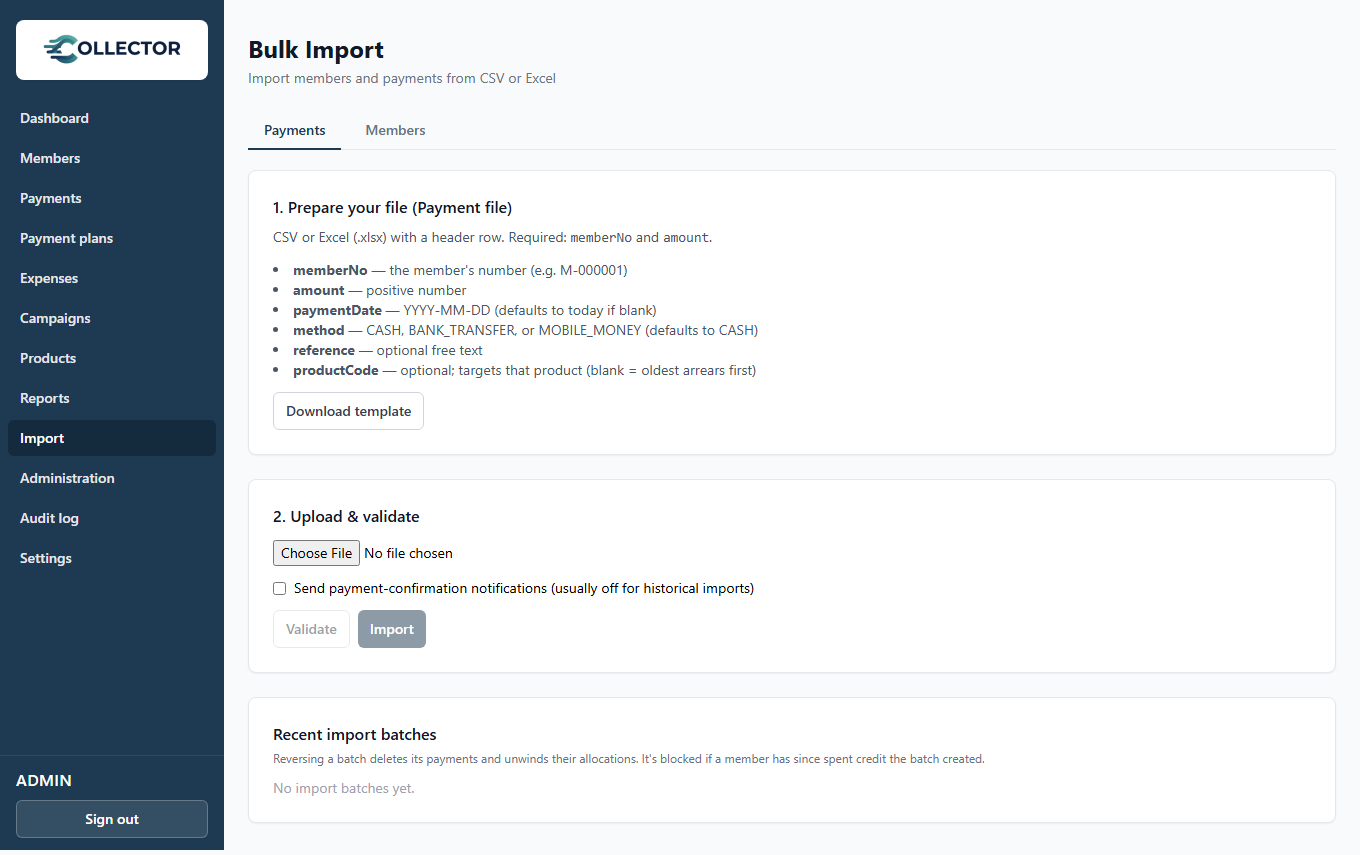
- Prepare your file — CSV or Excel, one row per member or payment. The Import page documents the expected columns for each import type; export a sheet from whatever you use today and match the headings.
- Upload — Collector validates every row first: missing required fields, unknown products, malformed dates or amounts are reported with row numbers, before anything is saved.
- Review and confirm — see what will be created, then run the import.
- Done — or reverse — if you spot a mistake afterwards (wrong file, wrong product mapping), reverse the import in one click and try again.
Idempotent by design
Re-uploading the same file won't create duplicates — an interrupted or repeated import is safe.
Import order
Import members first, then payments, and make sure the products referenced by your payment history exist before importing payments.
For imported historical payments, the allocation engine treats them like any other payment: they fill each member's obligations oldest-first, so imported history produces correct arrears and statements automatically.
After the import
- Spot-check a handful of member pages — do the statements look right?
- Check the Dashboard's arrears figure against your old records.
- If anything is off, reverse, fix the file, and re-import — reversing an import removes exactly what that import created, nothing else.